by admin | Aug 18, 2023 | Cooking, Learning
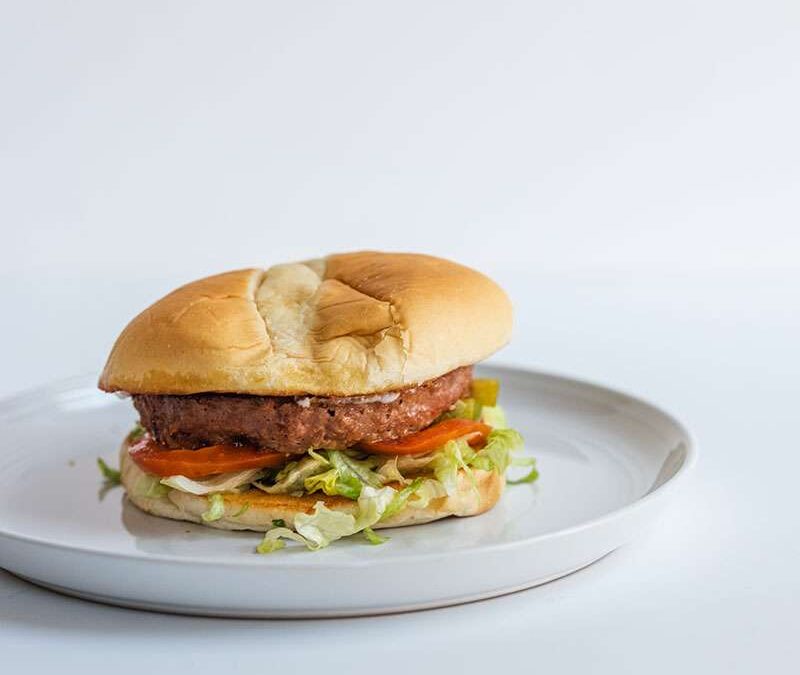
L5: You are Ready to Publish This is the last step in creating a blog. After all your hard work you will be able to share with everyone your expertise on the topic. This is the last step in creating a blog. After all your hard work you will be able to share with...
by admin | Aug 18, 2023 | Baking, Cooking, Learning
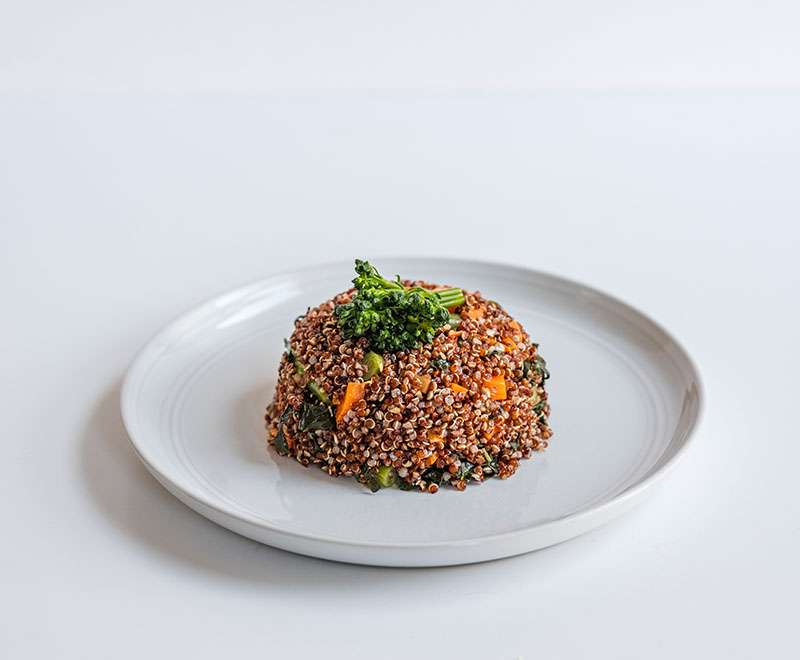
This is very important. The more appealing the image, the more likely that someone will click and view your post. Start by picking out a few images and see how they look. Also have a few on hand in case you want to do another post about the topic in the near future....
by admin | Aug 18, 2023 | Baking, Cooking
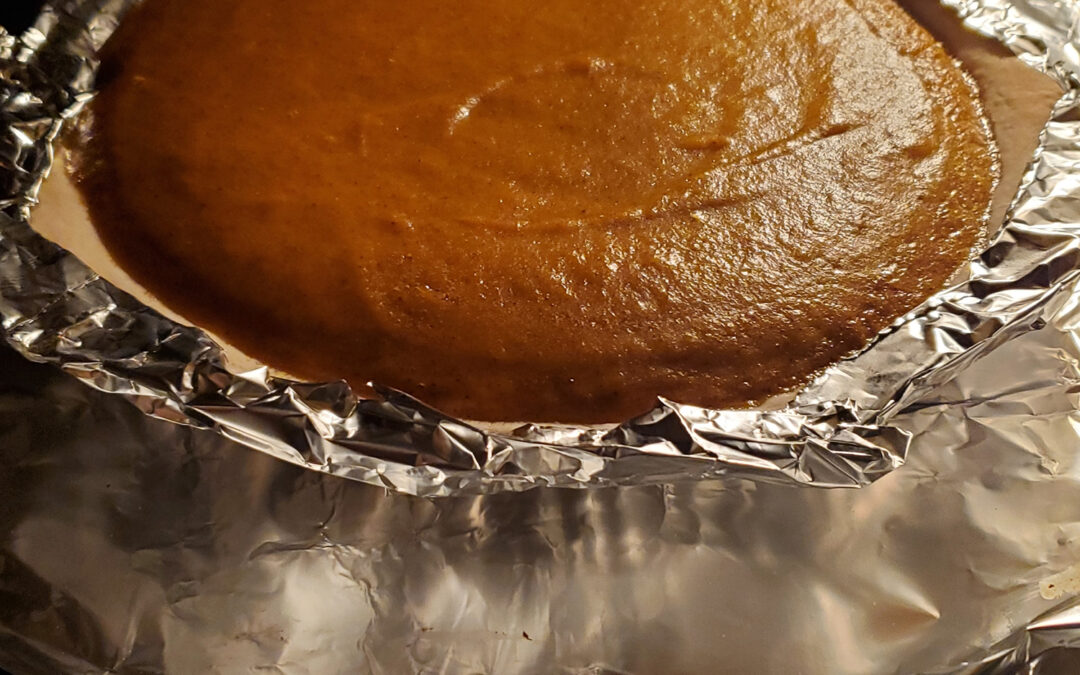
Creating a draft will make it easy for you to decide what to focus on and what order. Also you can decide you would like your blog to be and make any edits that you think should be done. Creating a draft will make it easy for you to decide what to focus on and what...
by admin | Aug 18, 2023 | Baking, Cooking, Learning
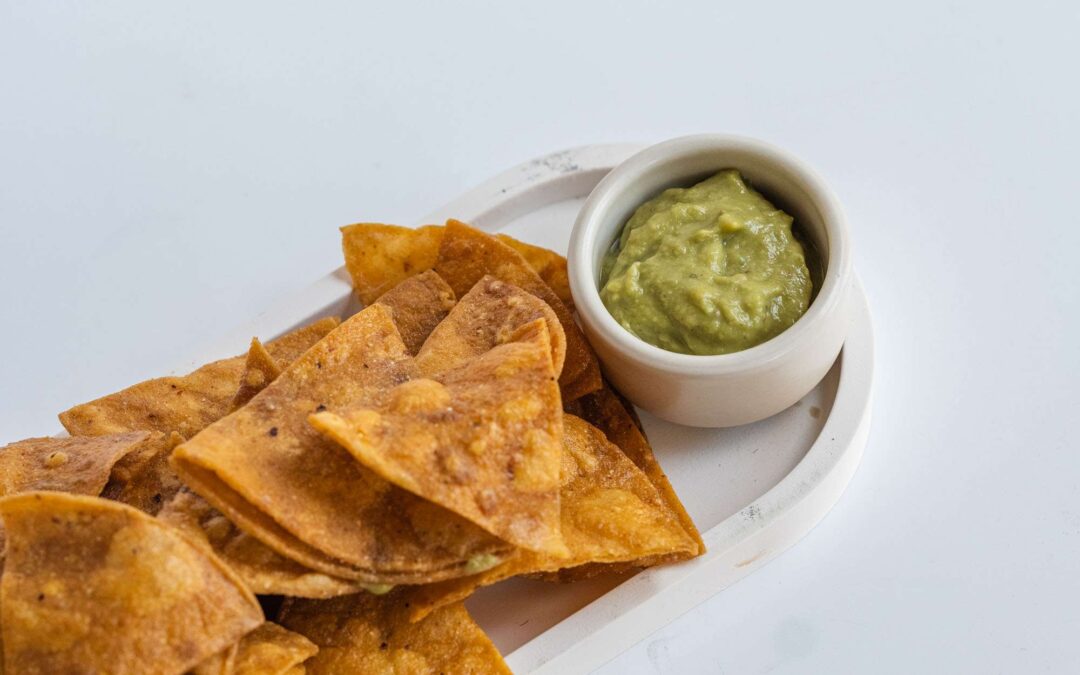
Write down as many ideas about the topic as possible. Afterwards, narrow it down to a few items you want to focus on first. This will make it easy. Write down as many ideas about the topic as possible. Afterwards, narrow it down to a few items you want to focus on...
by admin | Aug 18, 2023 | Uncategorized
With so many subjects to choose from it can be hard. But narrow it down a bit. With so many subjects to choose from it can be hard. But narrow it down a bit.With so many subjects to choose from it can be hard. But narrow it down a bit. With so many subjects to choose...
by admin | Aug 18, 2023 | Baking, Cooking, Learning
Your content goes here. Edit or remove this text inline or in the module Content settings. You can also style every aspect of this content in the module Design settings and even apply custom CSS to this text in the module Advanced settings. Learning to blog can be...
